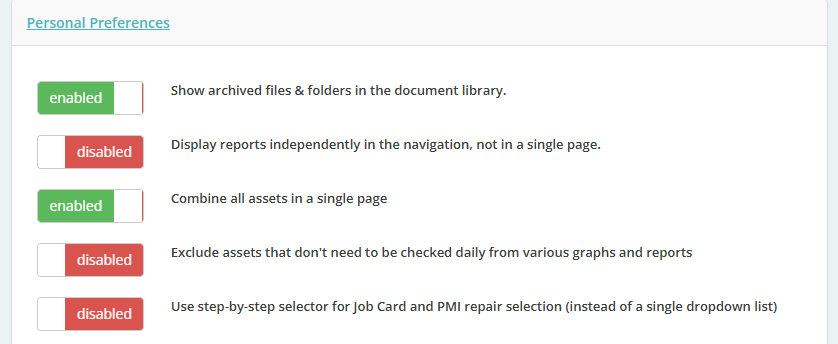
Personal Preferences are settings that let you tailor the Vehicle Compliance Dashboard to match how you work
To set your Personal Preferences:
Click onto the Profile Icon under your name > Personal Preferences
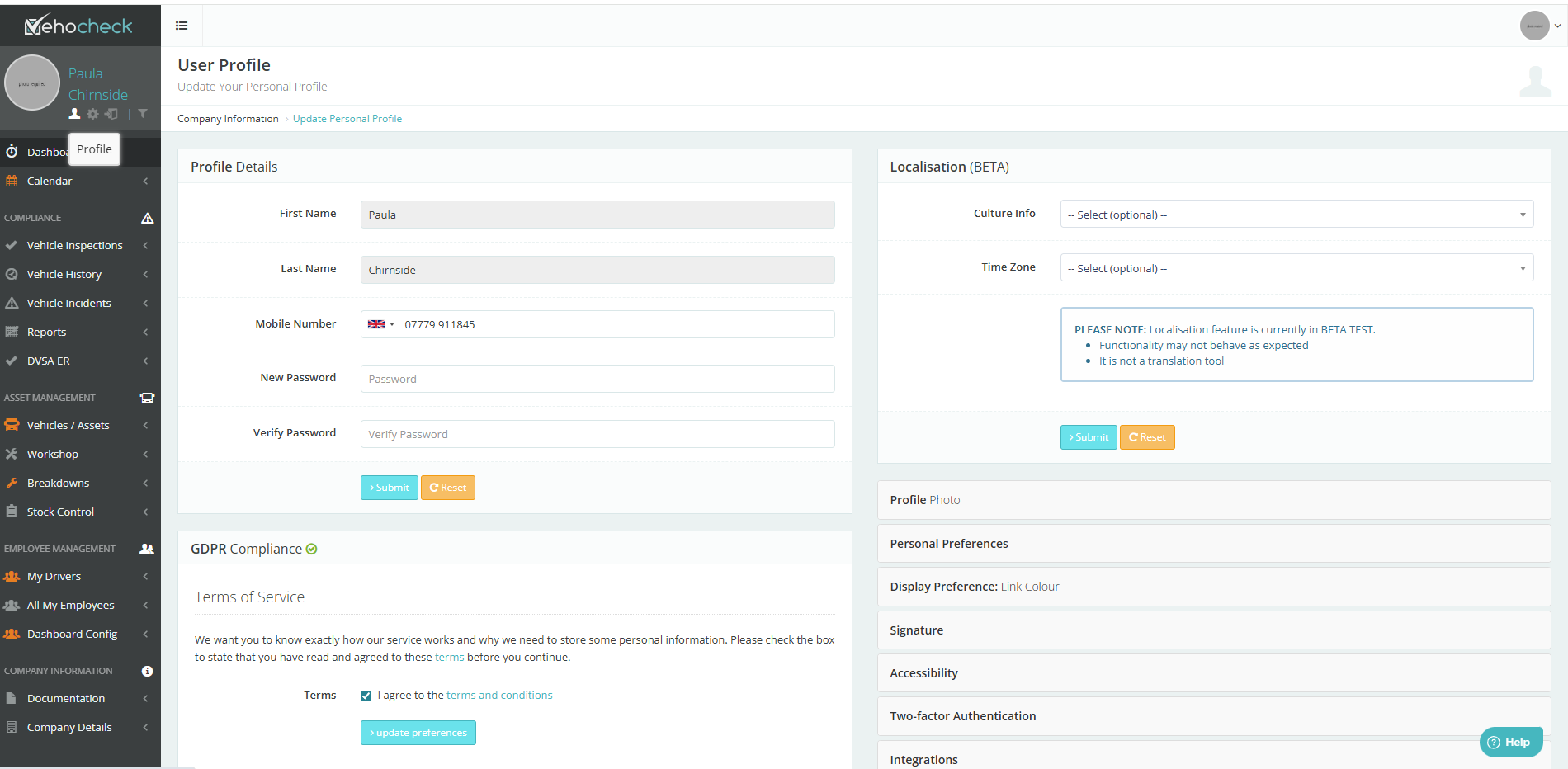
To be able to see all your archived files in your Document Library click on the disabled to enable
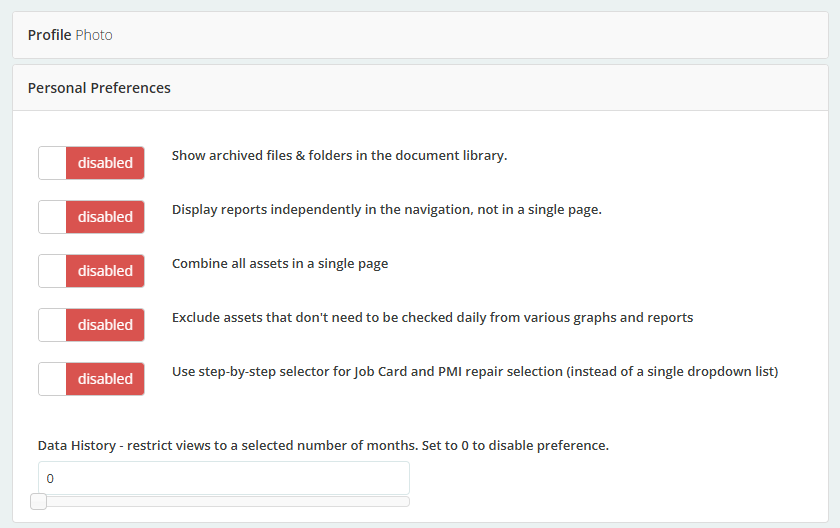
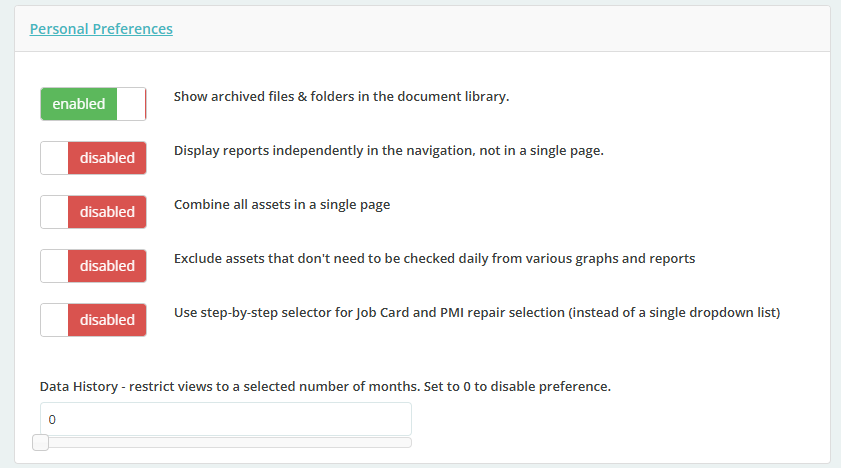
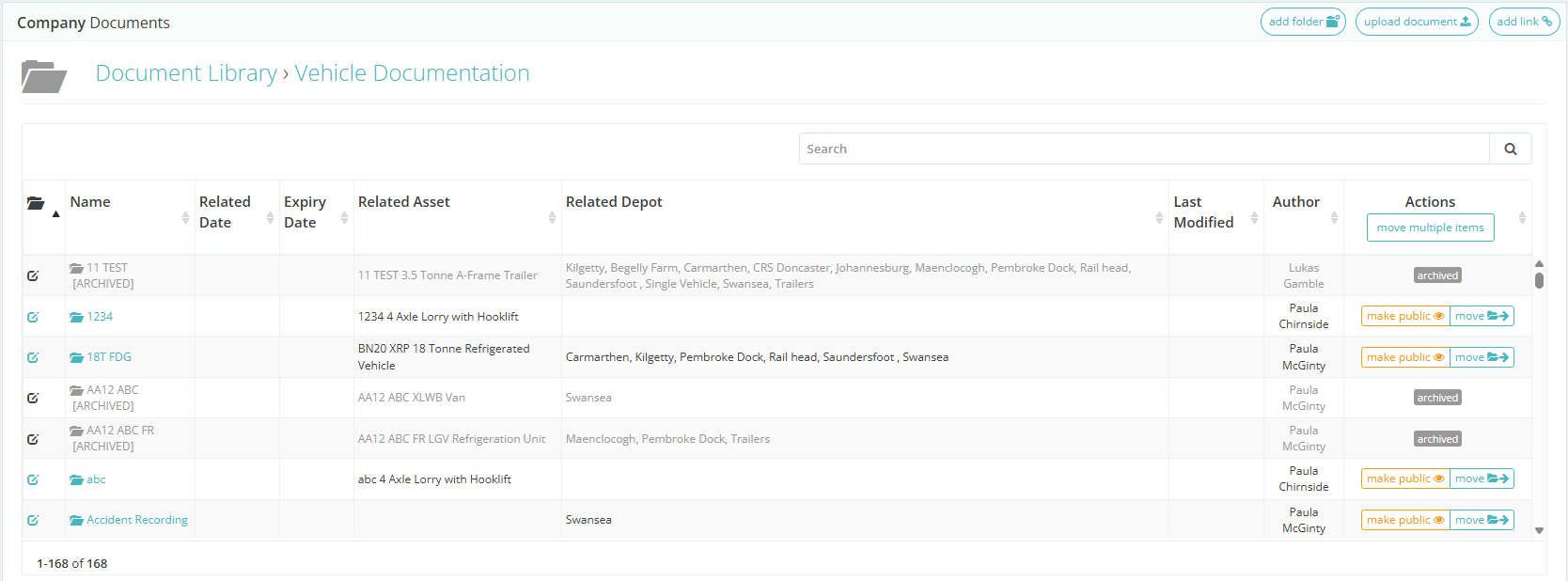
You will now be able to view all your archived assets
Documentation> Document Library> Vehicle Documentation
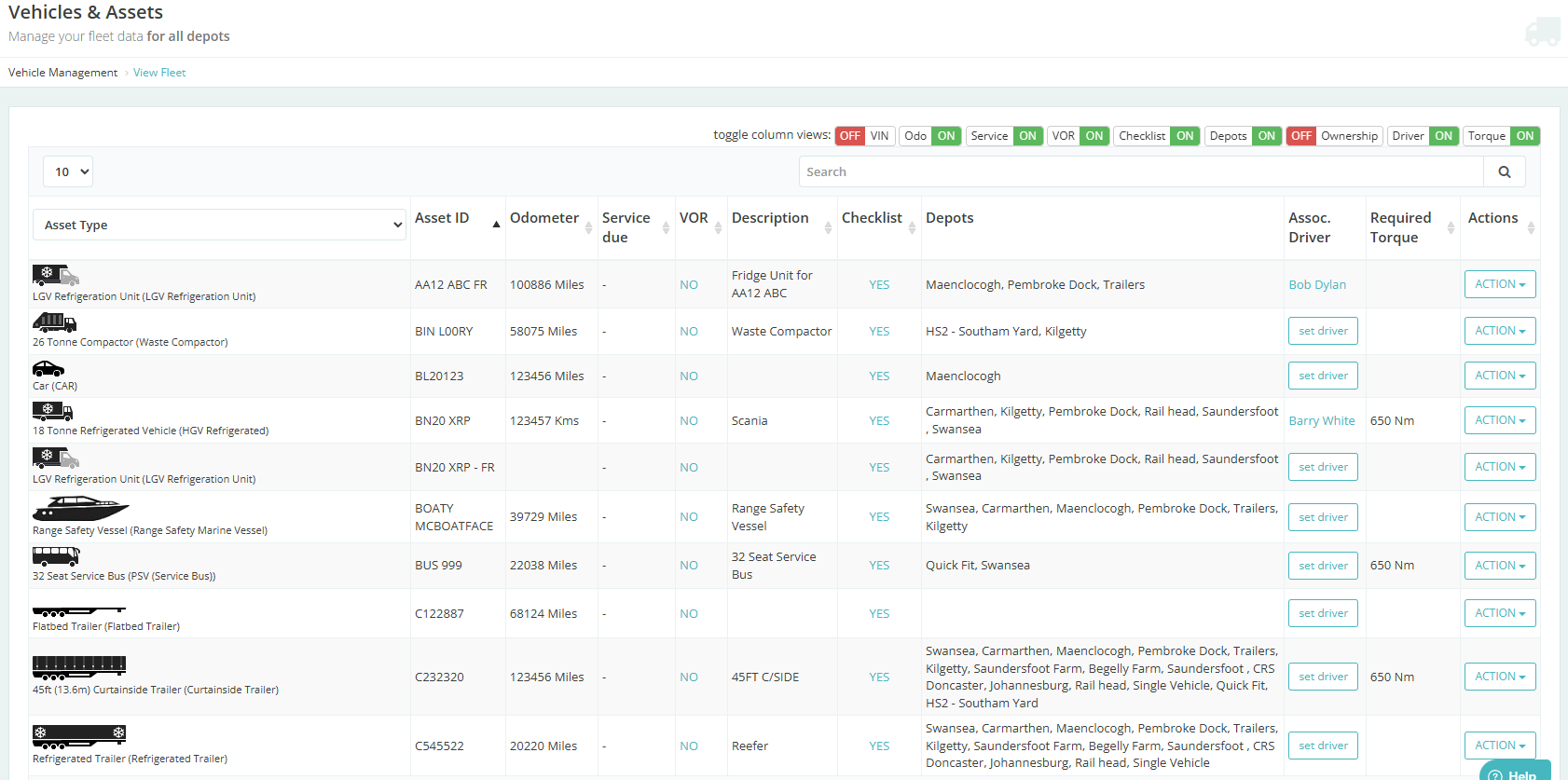
You can Combine all Assets to a single page
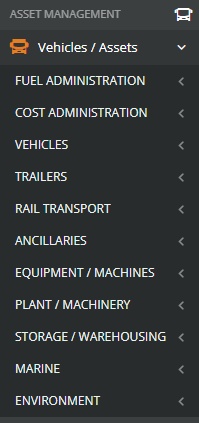
Vehocheck Default is to show all Vehicle/Assets in their Types
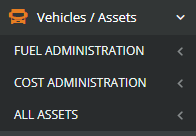
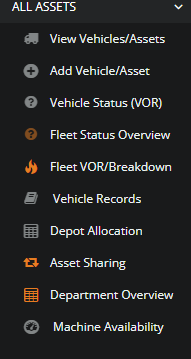
You can choose to Combine all assets in a single page
Was this article helpful?
That’s Great!
Thank you for your feedback
Sorry! We couldn't be helpful
Thank you for your feedback
Feedback sent
We appreciate your effort and will try to fix the article