Documentation
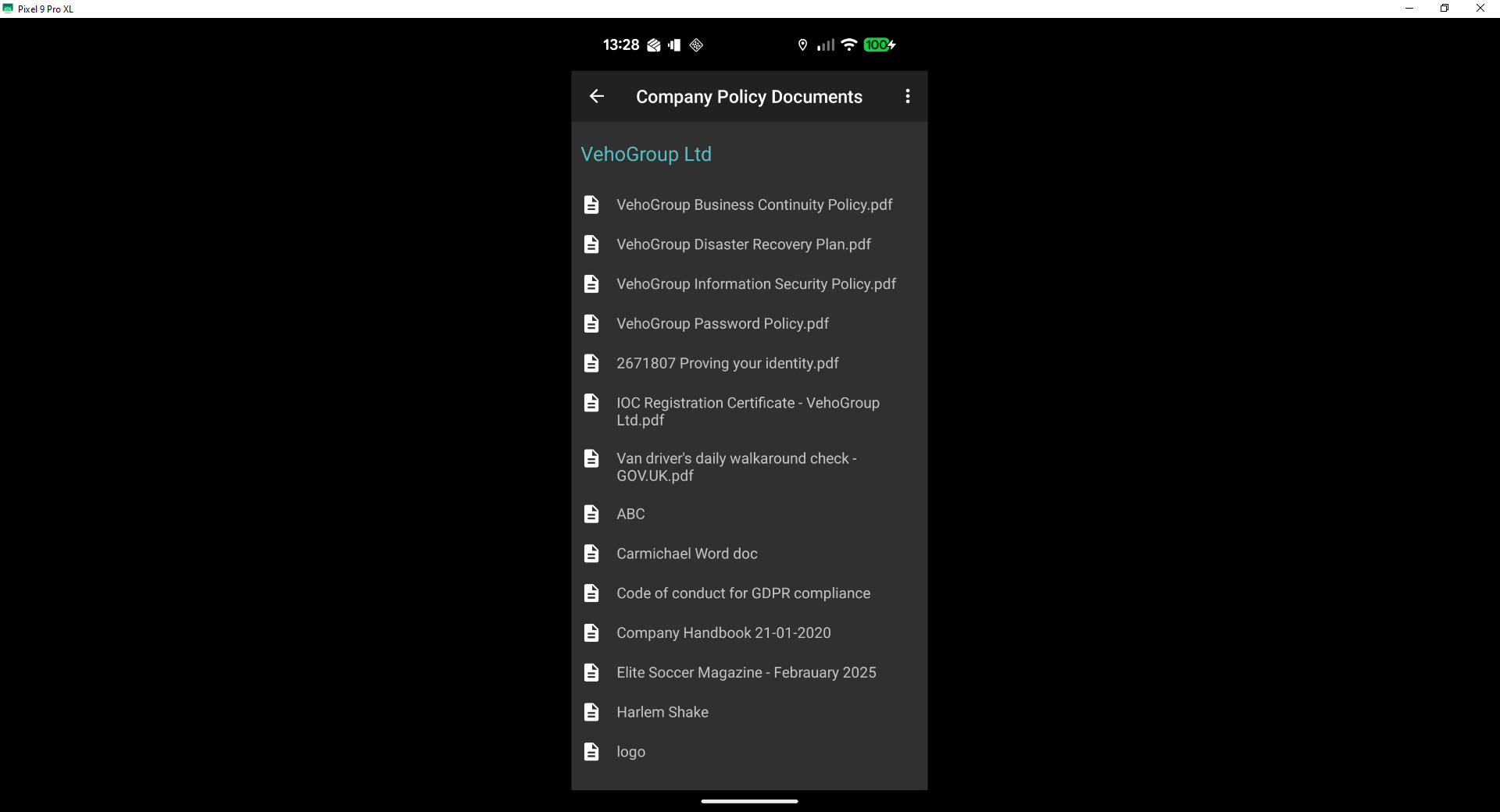
Documents can be sent to the drivers apps. These files can be sent to all drivers or drivers at a depot, so copies of company policies, tool box talks, site rules etc. can be sent straight to the drivers to download, they just need to be shared.
ONLY folders that are created as Company Policy Documentation can be sent to the driver app.
Once you have shared a document with a driver/drivers, a message can be sent to the drivers app via My Divers > Add App Message to ask them to download the document.
Go to Documentation > Documentation Library >Company Policy Documents folder. You can upload Toolbox talks, emergency contact numbers, short training videos etc. to the the folder then, share the document either to an individual depot or all.


Drivers App > Menu > Company Policy Documents
By going to Document User Views and selecting the a document, the desktop will tell you which drivers have downloaded the document and more importantly who hasn't.

Was this article helpful?
That’s Great!
Thank you for your feedback
Sorry! We couldn't be helpful
Thank you for your feedback
Feedback sent
We appreciate your effort and will try to fix the article