To link events in the calendar go to > Calendar >View Month
Choose the date and create an event, create another event with the same Asset Number on the same date1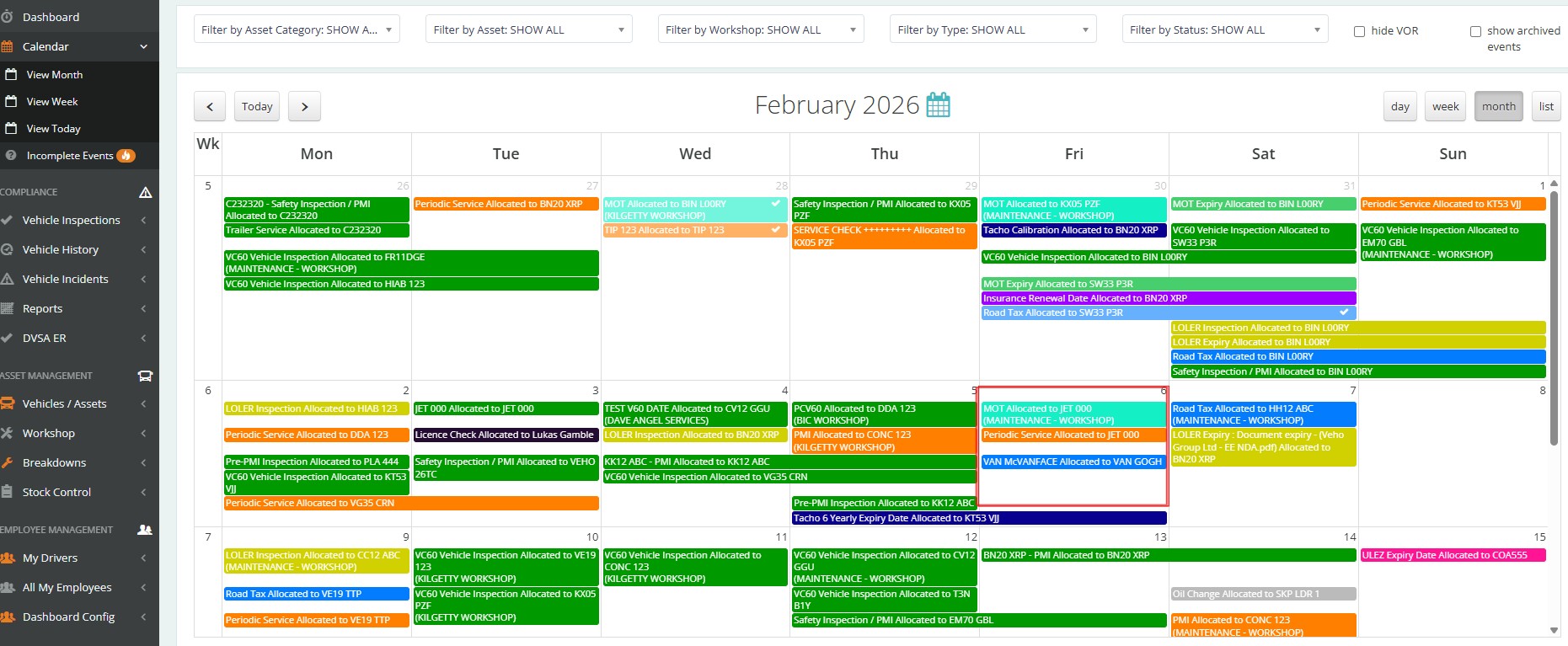
Click into one of the Events
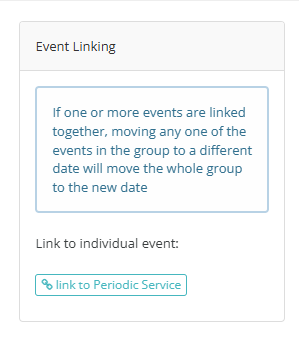
Press Link to "Periodic Service"
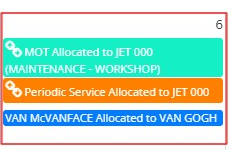
You will now see the link icon in the calendar
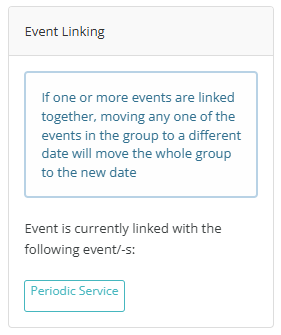
You can unlink the events by going into the event and clicking on the linked event you want to remove> it will highlight in Red.
The events will not stay linked together moving forward.
Was this article helpful?
That’s Great!
Thank you for your feedback
Sorry! We couldn't be helpful
Thank you for your feedback
Feedback sent
We appreciate your effort and will try to fix the article